1
New Step
When you log into the system you will land on the dashboard page. From the left hand menu click the API Keys menu item.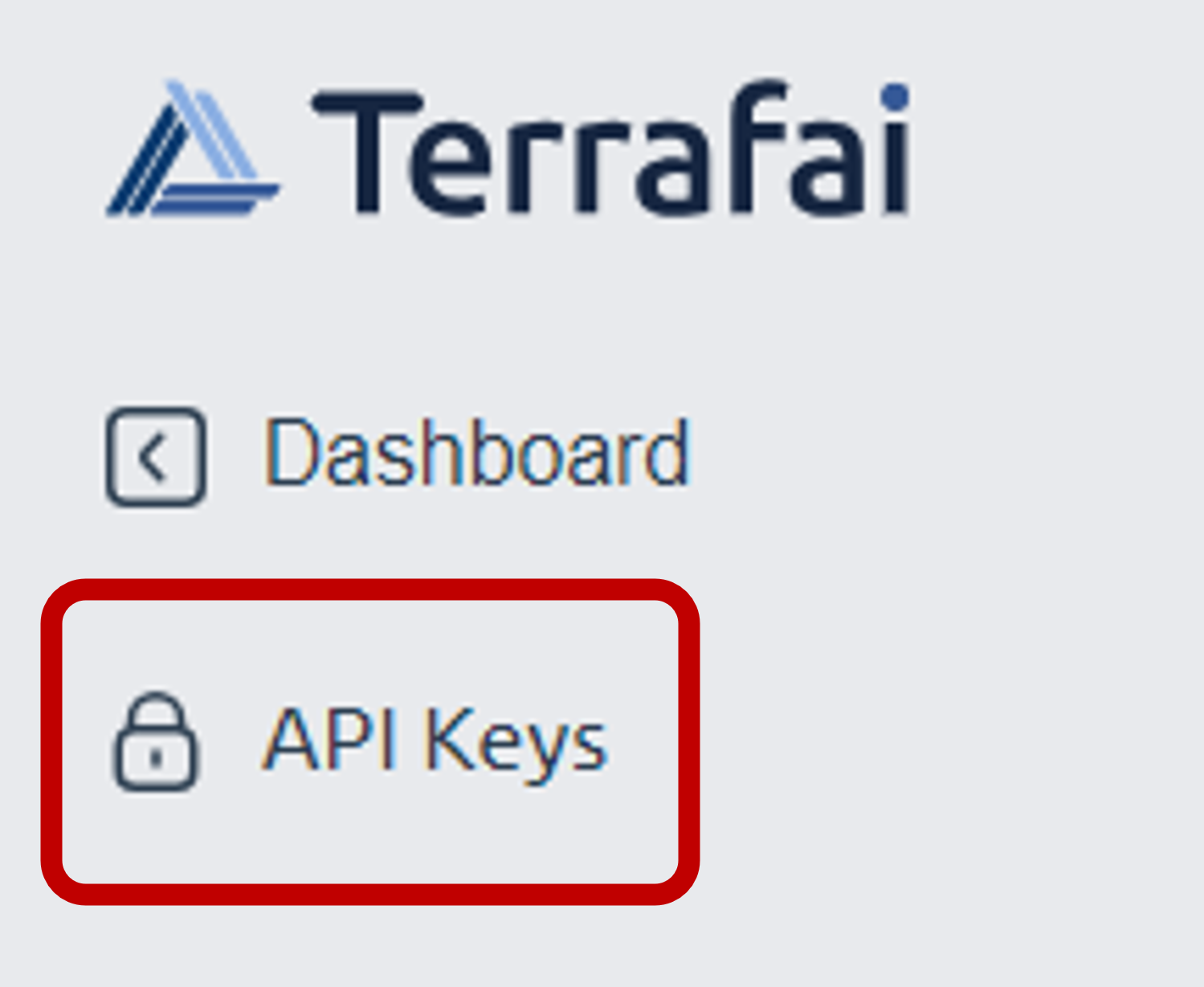
2
New Step
Then, look over to the right and click the “Create New Key” button.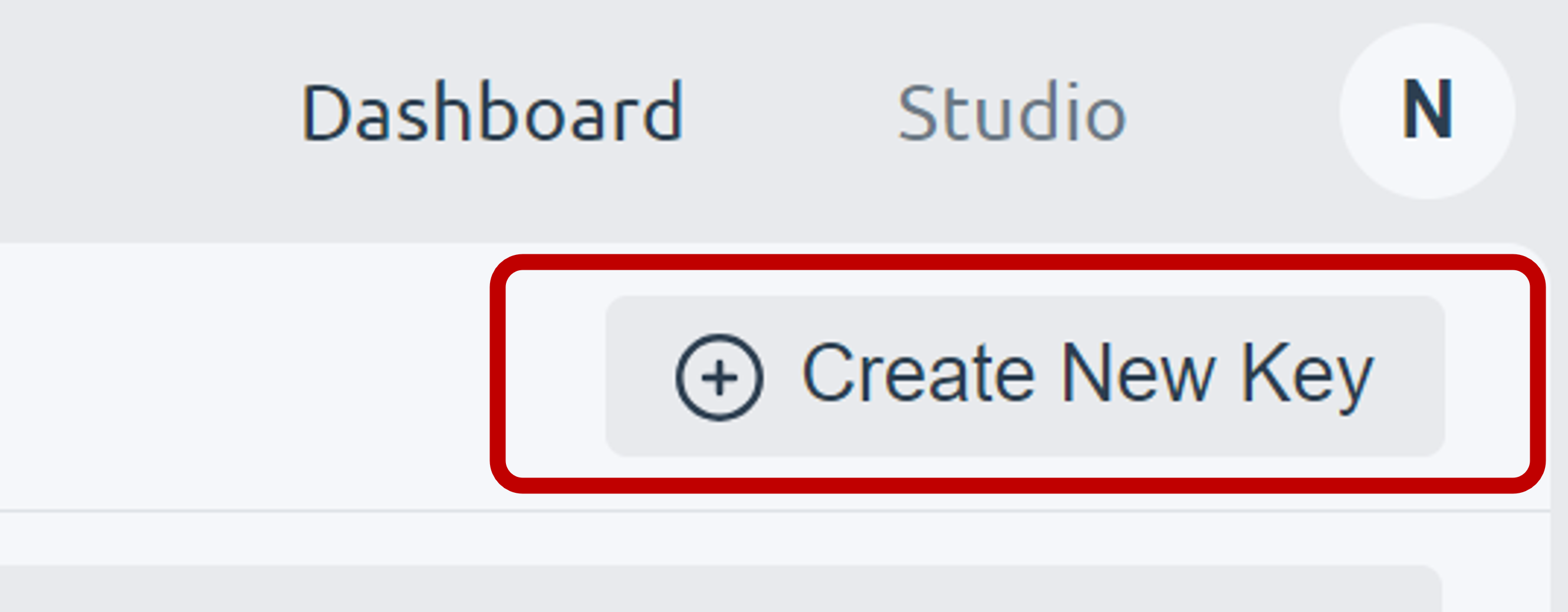
3
New Step
A pop up will then open. Enter the name you would like to call your API key and then click the “Create Key” button.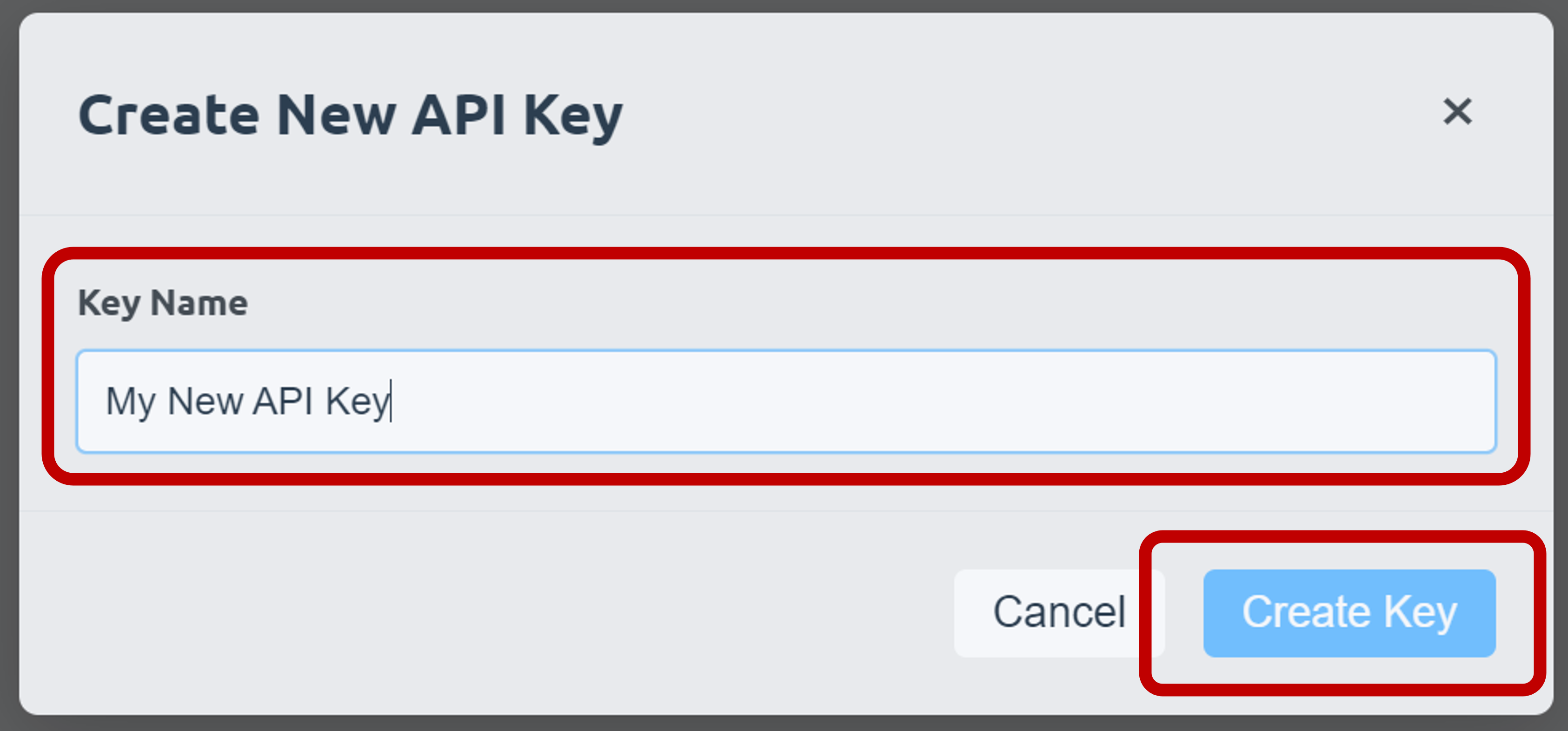
4
New Step
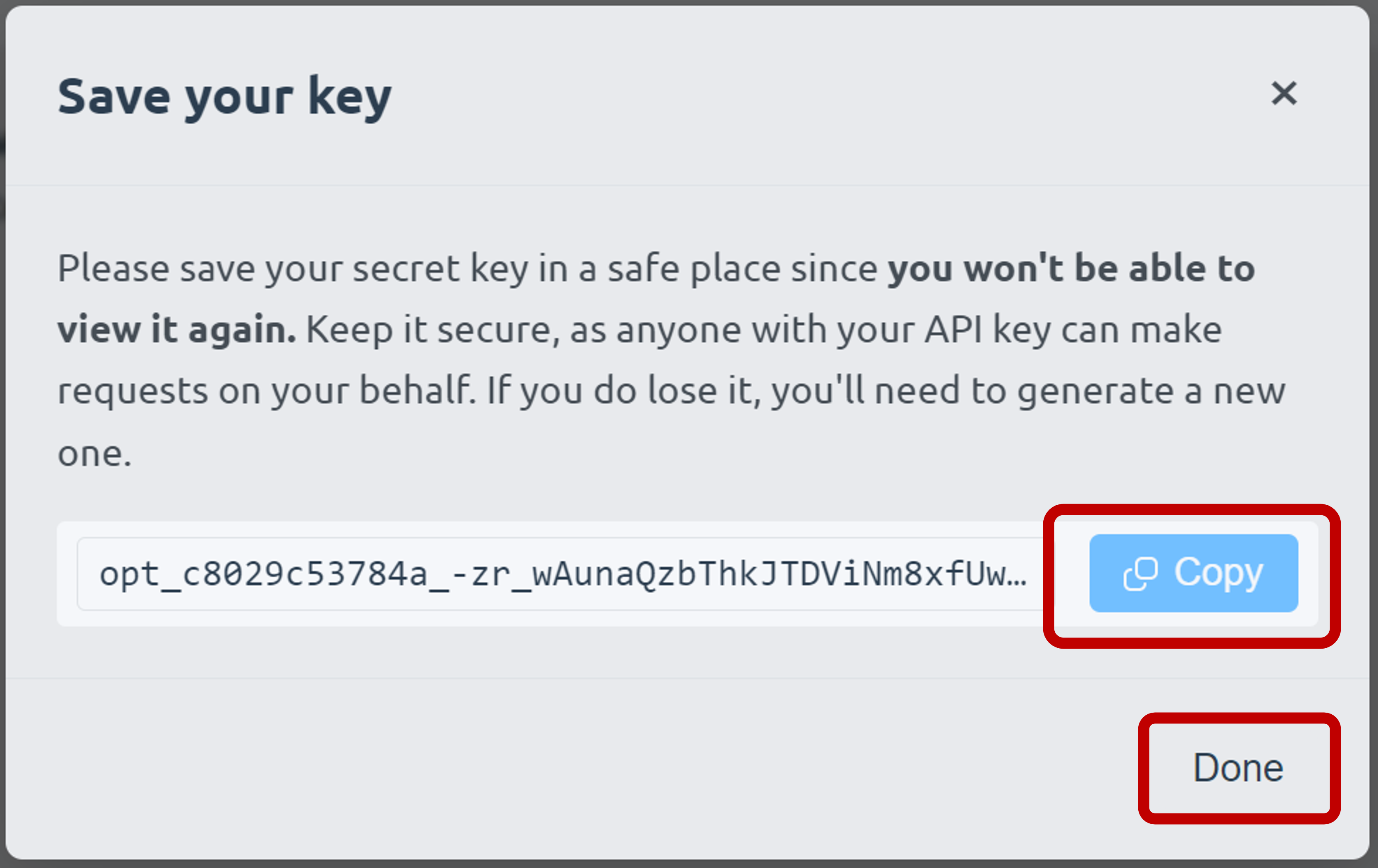
You will then have the opportunity to save your key. Press the “Copy” button to copy the newly created API key to your clip board and save it somewhere safe. You can then click the “Done”. You have no finished creating a new API key, ready for use.